MSI G2412 vs Dell G2422HS

sadodo

Decapat
Katılım
6 Ağustos 2023
Mesajlar
102
Çözümler
1
Daha fazla  
Cinsiyet
Erkek
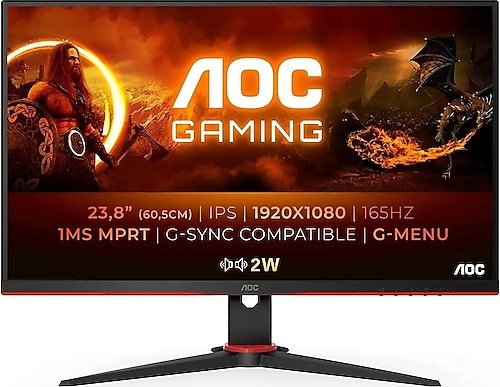
Arkadaşlar öncelikle önceki açtığım konularda bana monitör olarak MSI G2412 önerdiler. Türkçe inceleme videosu bulamadığım için başka insanların konusuna baktım ve Dell önerdiklerini gördüm Dell G2422HS Türkçe incelemesi olduğu için bayağı da beğenmiştim fakat dün İtopya bir video yayınladı MSI G2412 ile alakalı aklım karıştı hangisini alsam diye. Yardımcı olabilirseniz sevinirim.
 
5500'e çıkabiliyorsan en iyi model 24G2SPU'dur.

Tamam teşekkürler.

5500'e çıkabiliyorsan en iyi model 24G2SPU'dur.
amd ekran kartı almayı düşünüyorum o yüzden freesync olsa iyi olur başka monitör varmı freesync olan?
 
Son düzenleme:
24G2SPU'da eski yeni yok. Revize edilmedi. FreeSync destekliyor.

"FreeSync requires a compatible AMD GPU such as the Radeon RX 580 used in our test system. The monitor itself must support ‘VESA Adaptive-Sync’ for at least one of its display connectors, as this is the protocol that FreeSync uses. The 24G2SPU (24G2SP) supports FreeSync Premium via DP and HDMI on compatible GPUs and systems. You need to make sure ‘Adaptive-Sync’ is enabled in the ‘Game Setting’ section of the OSD. On the GPU driver side recent AMD drivers make activation of the technology very simple. You should ensure the GPU driver is setup correctly to use FreeSync, so open ‘AMD Software’, click ‘Settings’ (cog icon towards top right) and click on ‘Display’. You should then ensure that the first slider is set to ‘Enabled’ as shown below. The top image shows the monitor connected by DP, where the setting is referred to as ‘Adaptive Sync Compatible’. The bottom image shows the monitor connected using HDMI, with the setting referred to as ‘VRR’. Note that the exact wording may depend on the driver version you’re using – at time of review the monitor hadn’t been officially FreeSync Premium certified, though that is the ‘level’ supported."
 

Bu konuyu görüntüleyen kullanıcılar

Technopat Haberler

Yeni konular

Geri
Yukarı